Year 8 Maths with Twinkl

Maths is always the subject that everyone gets a bit concerned about. And I know there are lots of workbooks out there and we have used workbooks and might still bring spme workbooks in this year but our main Maths resource for Year 8 is actually going to be the Twinkl website. It was our main Maths resource for Year 7 and it worked really well for us.

The main reason why I like using a website for Maths is that I can print and reprint worksheets as often as I like. You can do a worksheet and then reprint it a few months later so they can practice again and even reprint it again. But the point is if they are struggling with something you can print more and more page for practice you are not limited by the number of examples included in a workbook.

And the main reason why I like the Twinkl website for secondary Maths is that it has been well planned and set out. The menus on the left-hand side make finding the different sections really straight forward.
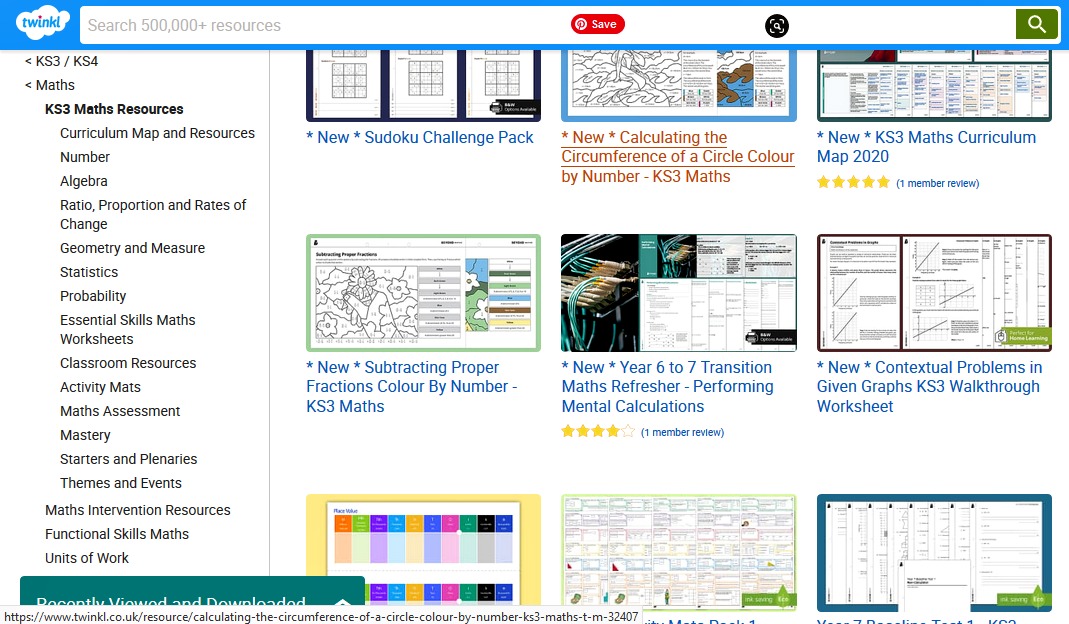
Twinkl KS3 maths menus

And if that does not work you just type in the some key words into the search bar at the top.  But I must admit for Maths I actually stick to the menu on the left-hand side and just drill down.

Over the summer I used their Maths Curriculum Map to create my own general plan of what we are going to cover and I then went onto the site found the Maths sections and downloaded the lessons.
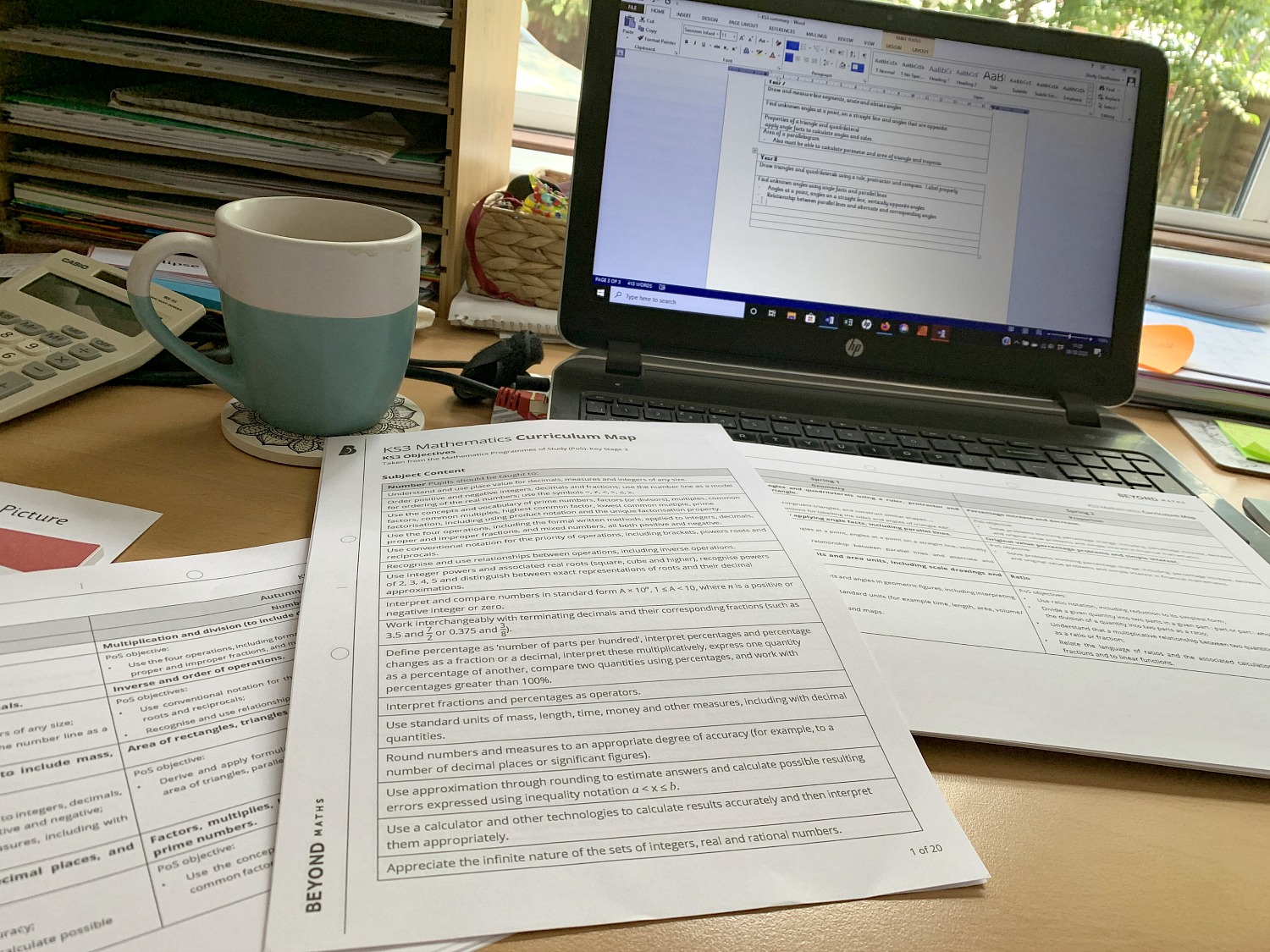
Maths planning

The reason why I altered their maths map is simple.  The KS3 Maths curriculum is split over 3 years but how you split it is up to you and it just happens that last year we covered a few items that Twinkl have included in their year 8 and we missed out 1 item that they have included in their Year 7.  So no big deal, we just took their plan and made a few adjustments, I extended some time in some areas and added in some bits and pieces and we ended up with our own personal version of their curriculum map.

I must also add that since I did my planning exercise Twinkl have actually reworked their Maths curriculum map and have now included lots of links back to suggested resources.  It really is becoming an amazing piece of planning that is very useful for home education.

So what do I do once I have my basic plan in place?

Well this week we started with revising Place Value. So the weekend before I logged onto my computer and printed off the different activity pages and worksheets and placed them in a file all ready for my daughter to start.  Easy.  My daughter likes me to do any Maths explaining, so I tend to do that but Twinkl do have PowerPoint docs which do all the explaining of the maths concept and they tend to create one PowerPoint for each lesson. 

When you find the Maths section that you want to cover you normally see an option which they call Unit of Work.  Now if you click on the Unit of work you will only see the lessons set out for that section.  Some people may like the Unit of work option but others might prefer seeing all the other extra activities.
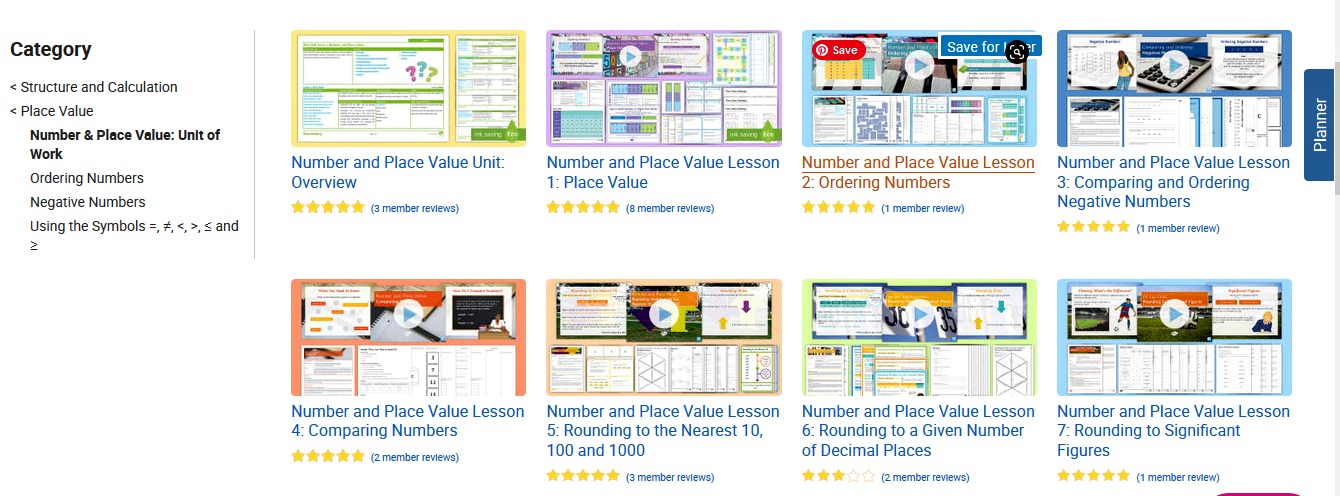
Twinkl KS3 Maths an example of unit of work

I also have to highlight the worksheets that they have created and stored under their Curriculum Map and resources section, the call them walkthrough worksheets.  These worksheets are in a slightly different format to the other worksheets that they have included in the main maths sections but we LOVE this version.  This set has an explanation included on the first page (sometimes 2 pages) and is then followed by exercises.  Really Love these.

This slideshow requires JavaScript.

I used the Twinkl Secondary website for our Maths last year and I always found what I needed plus lots of extra examples and activities.  I like the way they have ordered the sections with the menus and their new Maths Curriculum Map is brilliant at giving ideas on how you can split the Maths curriculum between the years. 

Posted in Homeschooling | Tagged , , , , , , | Leave a comment

A Computer Free Day

One of the most important lessons I have learnt since we first started home educating was that I needed to give myself a break, some time to just recharge and switch my brain off. Over the years this has taken different forms of what works for me and the family but over the past 6 months it has changed into a computer free day a week.

I get a lot of the kids’ home education resources off the internet and I work part-time using the internet and my computer so by the end of the week I often feel like I have spent ages in from of my computer. And the problem is there is just so much that I use my computer for – booking trips, shopping, organising stuff for the following week, it goes on and on. But I have started setting myself a goal that all computer activity had to be finished by 6pm Saturday and then the computer goes off and does not get switched on again until Monday morning (okay, okay it does not always work, sometimes it does get switched on because I forgot to do something for Monday morning -but I try really hard to stick to it).

It is a small thing, I know but it has made a big difference in how I feel come Monday morning. I feel ready to tackle the upcoming week, ready to dive in and be present for all the questions.

I know technology is here to stay and I know technology has made my life much easier, it has given me the option of working part-time from home and allows me to access lots of amazing learning resources. But technology can also be draining because it just never switches off. There always seems to be one more thing to do, one more thing to search for or read up on. It sometimes feel never ending.

Home education is a marathon and in the past I have not taken care of myself and burnt myself out. Having a computer free day a week is one way I am trying to look after myself and be more focused and available for the kids without burning myself out. A day where I can relax and switch off my mind and recharge a bit. And in the months that I have been doing this, everything is still there on Monday, and I feel much stronger and the truth is more “available for the kids”.

family photo ofamily learning together

Posted in Homeschooling | Tagged , , , | Leave a comment

Starting Year 5 resource ideas

My son would be starting his year 5 academic year if he attended school so I thought I would give a summary of the different resources that I am planning on using with him this year (as always I will buy more items as we progress through the year but this is my starting point and it might give some readers a few ideas).

Even though he is starting Year 5 and his sister is starting year 8 he tends to do the same History, Science and Geography as his older sister. So we use the same student book and then I normally find worksheets that are more suited for him while his older sister often does the year 8 workbook or questions contained in her student books. Those worksheets tend to be a mix from Twinkl, Teachitprimary, TeachitScience, TeachitHistory and TeachitGeography. Now I know the last 3 teachit sites that I listed are geared towards older kids but I often download pages from those sites for him.

We also use the Oaka Topic packs a lot with him for these subjects. Again these packs are normally geared for KS3 ages but the Oaka style really makes it accessible for a wide range of ages. He loves the reading the topic booklets – he finds them easy to read and the colourful images are great for remembering facts. He also is a huge fan of the learning games that they include in the topic packs. For us, Oaka is a big win, perfect for covering a topic with kids of different ages. It just works really well.

This slideshow requires JavaScript.

He is also a big fan of their board games and even though we have had them for a few years now we keep going back to them and replaying them. These board games are one of the best revision activities that I have come across. And whenever we play one of the games, there is always something that someone has forgotten which they get reminded of or you get one of those lightbulb moments where the kids have had time to think about something and then suddenly it all clicks into place and they finally get it. So the Board games stay again this year.

Oaka Books games

The other item that I use a lot for these subjects are our Collins BIG CAT books. One of my absolute gems that I discovered a few years ago and I still can’t get enough of them. We are huge fans of the non-fiction titles and whenever I can I try and link these books to the Science, History or Geography topic that we are doing. My son calls them “bite-size fact stories”. What he means by this is there is just the right amount of detail in these books so he learns something but they do not go into excessive detail which would make them confusing. This can be a very fine line and so far all of the BIG CAT books that we have used have succeeded with this.

This slideshow requires JavaScript.

Okay so going onto English. English is probably my son’s least favourite subject. He loves reading and loves writing stories but he does not like spelling, grammar or punctuation. So I do try extra hard with English for him (his older sister has always loved English so it is a bit different the 2nd time around).

I am lucky in that he does reads a LOT and I do mean a LOT and he actually reads a wide range of books. He will often read something just because his sister tells him about it (like Shakespeare), so we encourage that just be trying to have lots of books available and going to the library as much as we can.

The other English activity which he really enjoys are the eBooks from Twinkl (if you have not heard of their eBooks here are some posts about them – The Man who bought a mountain, Pack of Pompeii, Wyrmstooth Crown.) He is a huge fan of these and Twinkl always create lots of themed English resources to go with each of their eBooks. So we do tend to do a lot of the eBooks and the linked resources. I have found it a great way of getting him to work on grammar and punctuation. I really cannot recommend these eBooks enough. They are probably his favourite English activity.

This slideshow requires JavaScript.

I also tend to download a lot of Twinkl’s comprehensions for him. Twinkl have a massive range of comprehensions on their site and I always manage to find one on a topic which he finds interesting. Again I have just found that if we link the English activity to something he enjoys it just works better and he ends up practicing a lot of skills by working through a comprehension. So for me it is another big English win with him

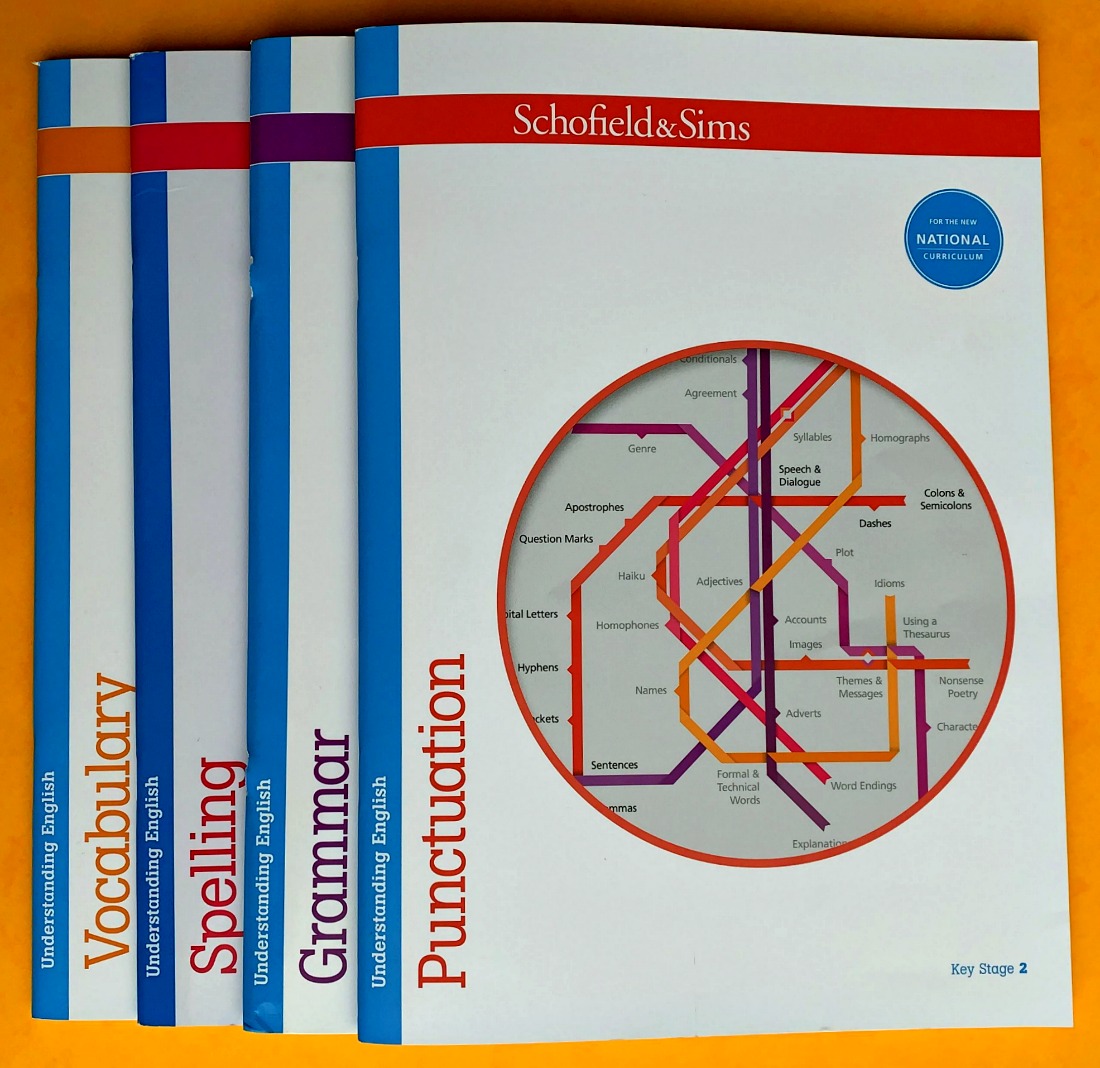
The range of English workbooks that we do use with him are the Schofield & Sims Understanding English range. But I don’t work through them page after page and I don’t do a page a day. I tend to dip in and out and use a page and then try and link it into a topic or eBook that he is interested in. It is a little bit more work for me but in the long run it means he engages more.

Understanding English range by Schofield & Sims

Maths. Maths for my son is actually not an issue, in fact he often picks up the maths that his older sister is doing so by the time I go to “explain” a concept he has often figured it out just be being around while she does Maths.

My main source of Maths pages for him is Twinkl. I like using websites for maths because you can always print off pages multiple times if you need to (like when he was learning his times table I often printed off the same page a few times and just gave it to him a few weeks later so he practiced more). For Maths I often use the Planit section and the year workbooks that they create (if you type in Maths Year x into the search bar you will get activity books / workbooks – eg Year 5 place value booklet, Year 5 addition and subtraction booklet, year 5 autumn themed booklet etc etc. There are lots that come up).

He is also a huge fan of their Maths Mysteries. I am also a huge fan of the Maths mysteries, they are fun and engaging and the kids end up practicing a wide range of maths in one go. If you have a Twinkl membership it really is worth searching for their Maths Mysteries.

I do use some workbooks, just for extra examples and ideas. And again the range I prefer is the Schofield & Sims range. I like their Understanding Maths range, their written calculation range and the mental arithmetic range.

This slideshow requires JavaScript.

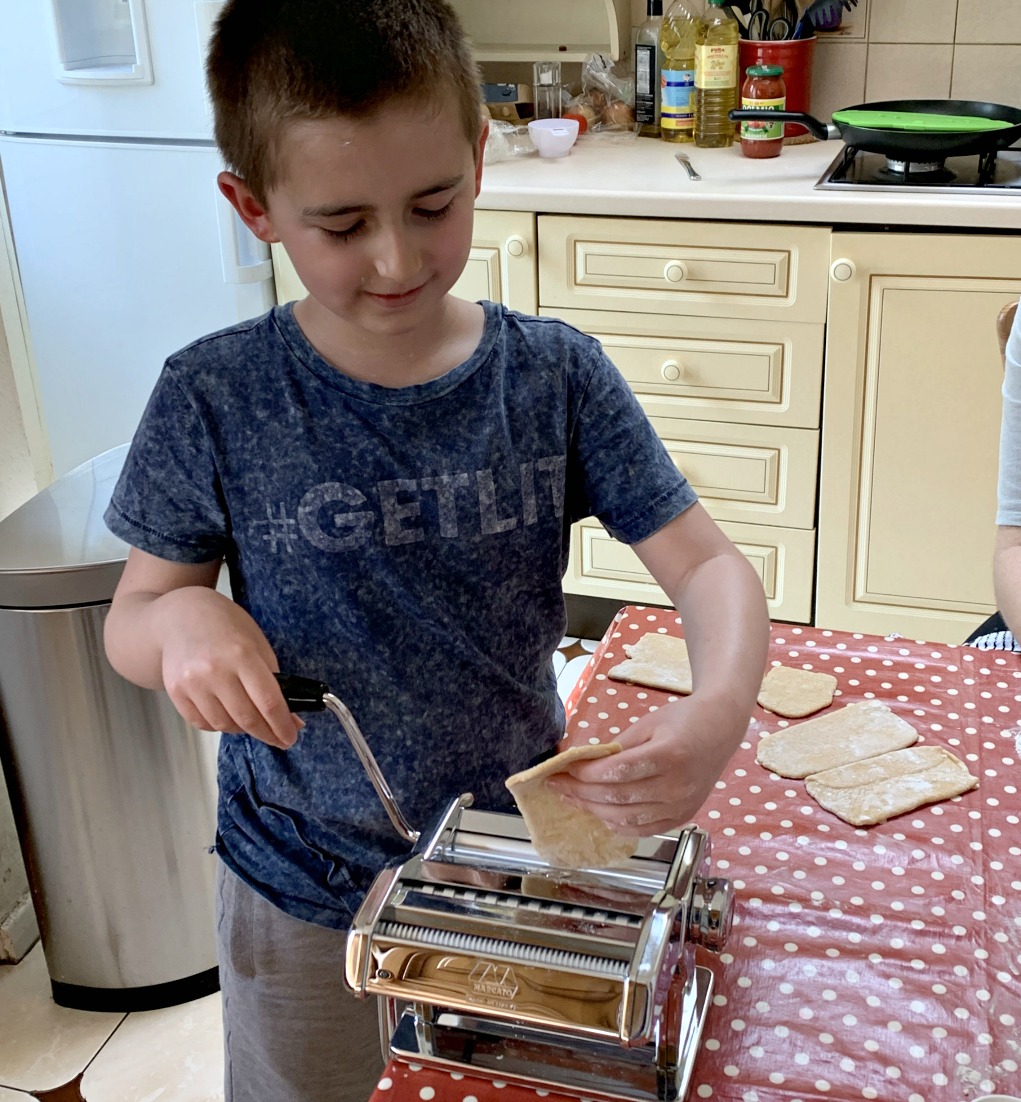
And other bits and pieces.  Well we bake/ cook a lot (making his own pasta is a favourite) so that will continue.  We also have a History of Art book that I am loving and we will continue to read that and he is obsessed with drawing dinosaurs and animals so art also just happens very naturally in our house.

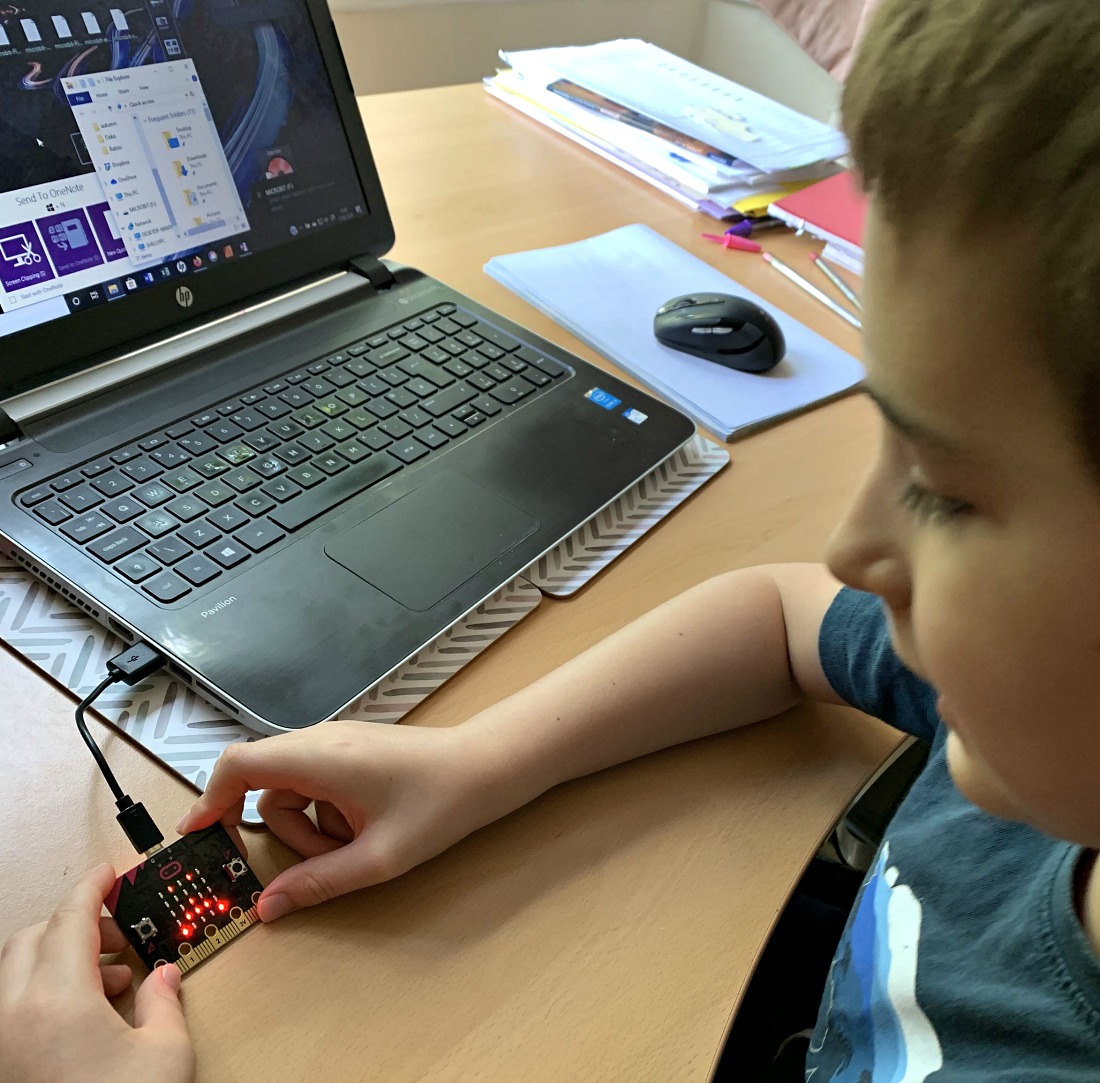
Oh and I must not forget the micro:bit – our way of doing some programming.

I know I have missed out a lot but I really can’t include every little thing that we will use over the next year so this is my starting point.

Posted in Homeschooling | Tagged , , , , , , , | Leave a comment

Activate 1 Workbook – Year 7 Science workbook

When I first switched my daughter to the Activate KS3 Science range last year I only got her the Student book – which really is the book that explains the concepts and then has a few questions afterwards.  And to begin with I just downloaded some extra worksheets for her to do from different websites.  But then during lockdown my husband starting doing the Science with her and he asked me for a workbook to use with the Student Book, so I bought the Activate 1 Intervention Workbook (Higher).  He used it with the physics that he has doing with her.

Activate 1 Higher workbook. KS3 Science. Year 7 science workbook

We both liked the way the student book and the workbook complemented each other so for this year we are using both the Activate 2 Student Book and the Activate 2 Intervention Workbook (Higher) (Chandlergrevatt)  together.

Anyway I thought it might be helpful to explain what is actually included in the Activate 1 Workbook and to share some photos of the pages.

First of all.  There are two workbooks for each year, a Foundation workbook and a Higher workbook.  We have bought the higher workbook but I did contact Oxford University Press and asked if they would share some photos of the Foundation pages with me so I can compare the two.  They kindly agreed and emailed a couple of photos of their foundation book.

Comparison wise. The Foundation pages do involve less writing and there is more “circle the correct answer”, or “connect the word with the description” type questions.  The Higher one has more “can you describe” or “can you explain” type questions.  They both have label the diagram pages and graphs etc.  And both contain answers for the questions at the back of the book.

Here are some comparison photos – the first is the two pages on animal and plant cells and specialised cells.

This slideshow requires JavaScript.

The double page on joints and muscles.

This slideshow requires JavaScript.

And the page on gas exchange.

This slideshow requires JavaScript.

I hope that helps to show the differences. The questions in the foundation book are easier and do involve less writing.

Both workbooks also include something they call “Chapter Pinchpoint Questions” – which is really 2 pages of extra questions highlighting a hard concept that was covered in the chapter.  I really liked these pages and the way they have structured these pinchpoint questions.  And at the end of each section they also include some Revision questions

Okay so what does the Activate 1 workbook cover?  It is exactly the same topics as the Activate 1 Student book.  They really do fit perfectly together.  Just to stress – the student book is the colour book which explains the concepts and just has a few questions whereas the workbooks are black and white questions, no explanations just questions. They cover the same topics but they are 2 different books with different functions.

The topics covered are………………

Working Scientifically – recording, analysing and evaluating data.

Biology

  • Cells – plant and animal cells, specialized cells and unicellular organisms
  • Structure and function of the body – Gas exchange, breathing, skeleton, joints and muscles
  • Reproduction – in humans and plants     

Chemistry

  • Particles – the particle model, stats of matter, melting, freezing and boiling, diffusion and gas pressure
  • Elements, Atoms and Compounds – including some chemical formulae
  • Reactions – chemicals reactions, equations, burning fuels, thermal decomposition, exothermic and endothermic
  • Acids and Alkalis – Indicators and PH, neutralisation and making salts

Physics

  • Forces – squashing and stretching, drag forces and fiction, balanced and unbalanced
  • Sound – Waves, sound transfer, loudness, detecting sound and echoes and ultrasound
  • Light – Reflection, Refraction, the eye and camera and colour
  • Space – The Night sky, the Solar system, Earth and the moon

and finally Answers for all the questions.

The workbook cost me £4.99 which I think it is very good value for money and definitely a good addition to our home education science resources.

Other KS3 posts you might find interesting – Activate 1 Student Book,

Activate 2 Student Book and the Activate 2 workbooks

Admin – I bought our Activate 1 workbook.  Oxford University Press did email some photos of their foundation book and give me permission to use their photos in this post.

I do include Affiliate links. If you follow an affiliate link and go on to purchase that product, I will be paid a very small commission, however your cost will remain the same. I only include affiliate links for products that we use and recommend.

Posted in Homeschooling | Tagged , , , , , , | 5 Comments

KS3 Forces

We have been doing quite a bit of Physics over the summer, we got into a nice routine with it. My daughter would go through the concepts with her dad, he would do the explaining part and look for clips showing the concepts in action and then I would reinforce everything with one of our Science Topic packs. And for the first time in ages I feel like we have made massive progress with Physics (Biology has always been a favourite science in our house and Physics just seemed to get pushed aside because the kids did not have that same understanding of it).

One of the sections that we covered in this way was forces and we used the Oaka Books Forces Topic pack.  The topic booklet covers quite a lot of important concepts.

  • What forces are and what the different types are.
  • Magnetic force
  • Floating and sinking
  • Air resistance, including streamlined shapes, terminal velocity
  • Weight vs mass
  • Balanced and unbalanced forces
  • Speed
  • Extension of springs and elastic limit
  • Turning forces in action
  • The law of movements
  • Pressure

This slideshow requires JavaScript.

I have always liked the way they set out their topic booklets – short concise sentences with colourful, memorable images.  But I am appreciating it even more with Physics.  My daughter has a tendency to get lost in the detail, she loves detail and while that works well for her when we are doing History I have noticed with Physics she often focuses on the detail and not the main concepts.  However the Oaka Topic packs always direct her to the important concepts and then when she fills out the Write Your own Notes it is reinforced and when we play the game it is once again reinforced.  So by the end of working through our Forces Topic pack she knew and understood all the key points and she was not getting distracted by detail.

I have read a few comments that people don’t like the fact that the Write Your own Notes is really a copy of the topic booklet just with words left out so the kids have to complete them.  But I actually really like this.  My daughter is a visual learner and the fact that the blocks are the same in both the Topic Booklet and the Write Your own Notes means everything is reinforced. 

This slideshow requires JavaScript.

And yes I did download some extra pages from different sources so we could work through other examples but I did this after she had worked through the Write Your Own Notes, after she had to think about the words that were missing and what words would make sense in the sentences.  I never use the Topic packs in isolation.  I always combine them with another source and personally I think that is when they “perform the best” when you use them as the summary, the item that focuses the kid’s attention on the important concepts.

And of course the Learning Game (we love these games).  Such a brilliant way to round up a topic and possibly highlight any area that the kids did not understand. 

This slideshow requires JavaScript.

Admin Bit – both my kids used the topic pack.  It is designed as a KS3 resource but my younger kid (who is 9) often works through the older packs with his sister and there is never an issue.

From time to time Oaka do send us a few goodies to use.  It is up to us which ones we use and if we choose to write about them.


Posted in Homeschooling | Tagged , , , , , , , | Leave a comment